What does compressing a PDF do? A simple explanation
Wondering what happens when you compress a PDF? We explain exactly what PDF compression does to your file, what changes, what stays the same, and whether it's safe — in plain English.
You’ve probably been told to “compress that PDF before sending it” — but what does that actually mean? What happens to your file? Does it lose quality? Is it safe?
Here’s a clear, non-technical explanation of what PDF compression does, what changes in your file, and what stays the same.
What does “compressing a PDF” mean?
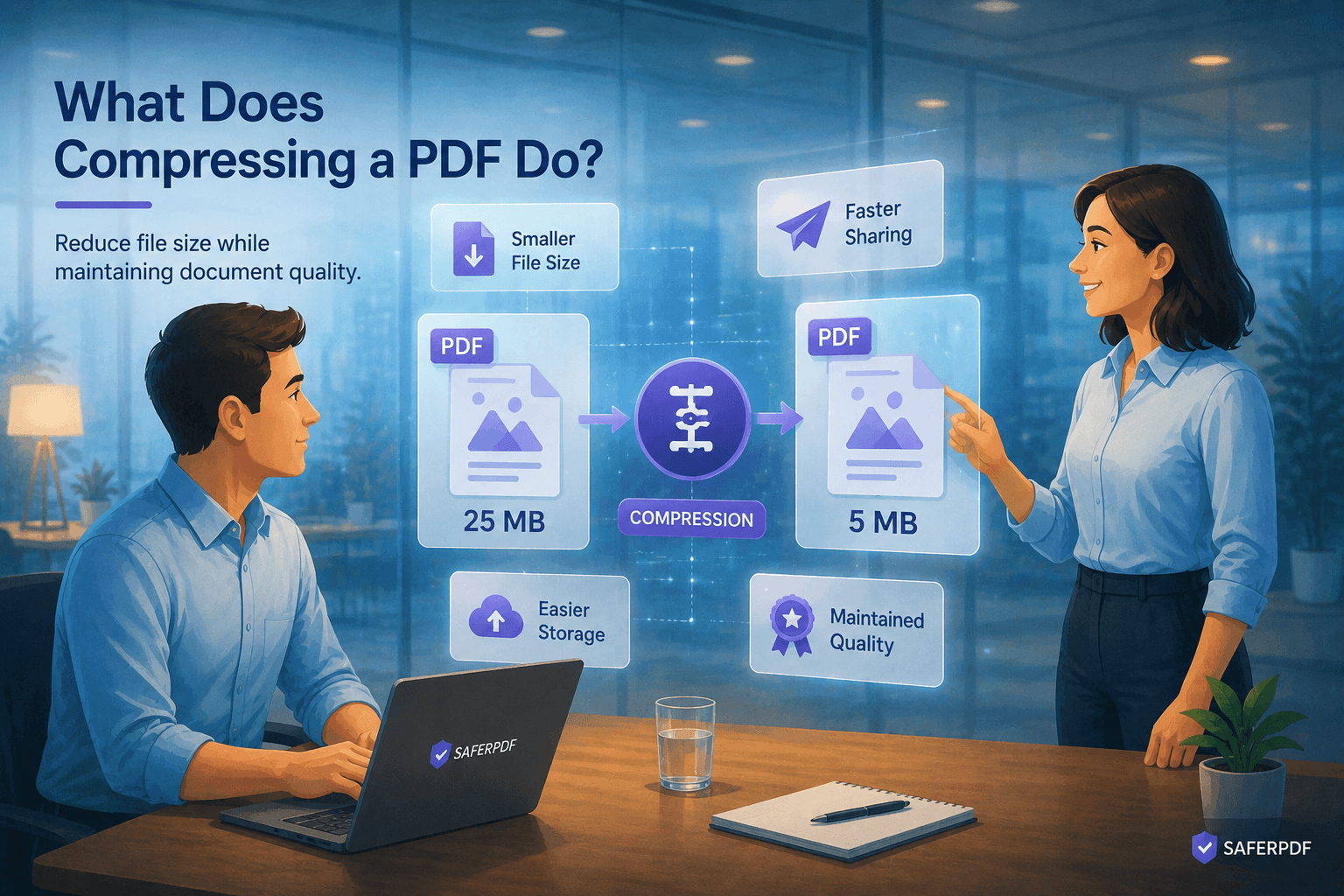
Compressing a PDF means reducing its file size so it’s easier to email, upload, and store. A 15MB PDF might become 2MB after compression — small enough to attach to an email, upload to a portal, or store without eating through your cloud storage.
The key point: a compressed PDF looks the same to anyone reading it. The text, layout, and images are all there. The compressor just removes the parts of the file that waste space.
What actually happens inside the file?
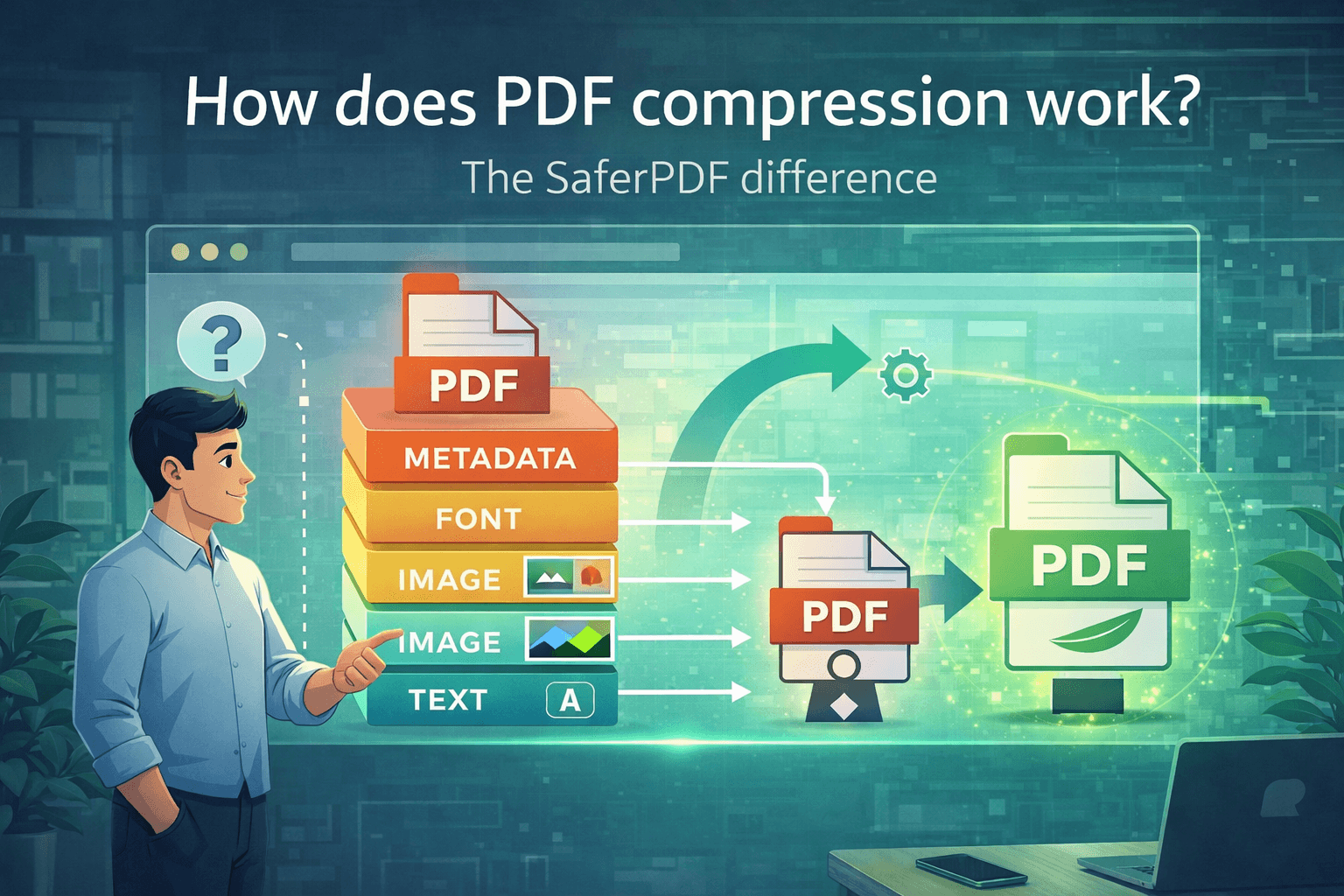
A PDF is more complex than it looks. It’s not just text and images — it contains fonts, metadata, editing history, and various data streams. Here’s what a compressor does to each:
1. Images get downsampled and recompressed
Images are usually the biggest space hog in a PDF. SaferPDF’s compression engine (Ghostscript) will:
- Downsample images to a target resolution — for example, a 600 DPI image might be reduced to 300 DPI (High Quality), 150 DPI (Recommended), or 72 DPI (Extreme). Images already at or below the target are left alone.
- Recompress images using more efficient encoding (e.g., re-encoding with optimized JPEG settings)
This is where most of the size savings come from.
2. Fonts get subsetted
When you create a PDF, the entire font file is often embedded — all 500+ characters, even if your document only uses 50. A compressor subsets the font, keeping only the characters your document actually uses. Same visual result, much less data.
3. Content streams get re-encoded
The text and vector graphics in a PDF are stored as content streams. Ghostscript rewrites these streams through its pdfwrite pipeline, producing cleaner, more efficient output. In cases where Ghostscript can’t reduce the size (e.g., already-optimized PDFs), SaferPDF automatically falls back to a secondary tool (qpdf) that applies maximum stream compression and generates optimized object streams — so you still get the smallest possible file.
Does compressing a PDF reduce quality?
All of SaferPDF’s compression levels involve some image resampling, so they are technically lossy for images. However, text and vector graphics are always preserved perfectly — only raster images are affected.
The practical impact depends on which level you choose:
SaferPDF lets you choose between three levels:
- High Quality (
/printerpreset) — images are downsampled to 300 DPI. At print resolution, quality loss is virtually invisible. Best for documents you’ll print or archive. - Recommended (
/ebookpreset) — images are downsampled to 150 DPI. The sweet spot for screen viewing — documents look great on any screen while achieving significant size reduction. This is the default. - Extreme (
/screenpreset) — images are downsampled to 72 DPI. Maximum compression, but images may look noticeably softer on high-resolution displays. Best for documents you just need to email quickly.
For documents with no images or only low-resolution images, all three levels produce similar results since there’s nothing to downsample.
Is it safe to compress a PDF?
Two things to consider:
1. Compression itself is safe. Your original file is never modified — a compressor creates a new, smaller copy. If you don’t like the result, you still have the original.
2. The tool you use matters. Most online compressors upload your file to a server, compress it there, and send it back. That means your document travels through the internet and sits on someone else’s computer — even if only temporarily. For sensitive documents, that’s a risk.
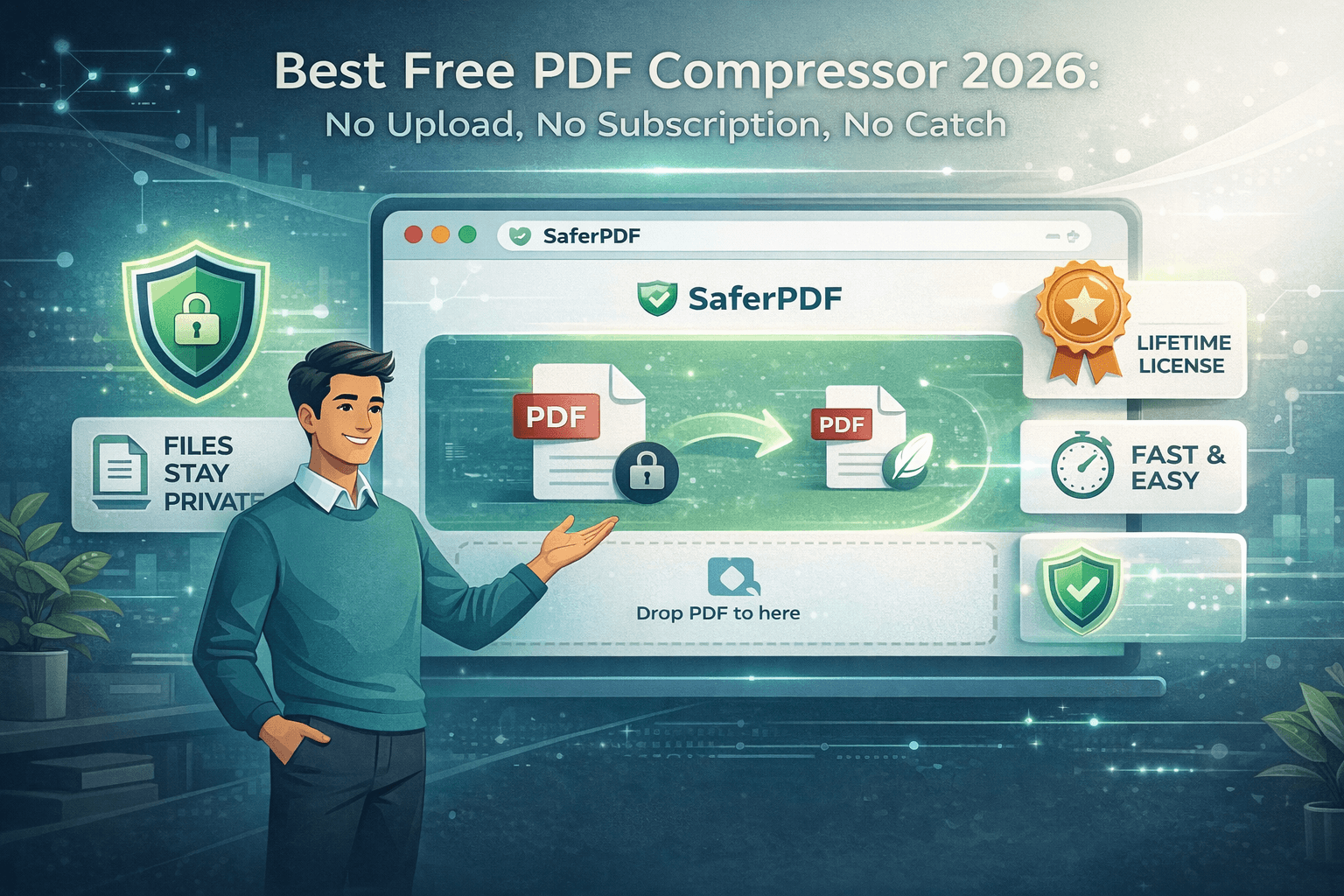
SaferPDF takes a different approach: it compresses files entirely in your browser. Your PDF never leaves your device. No upload, no server, no privacy risk. Learn more about how to compress PDFs safely.
When should you compress a PDF?
Compression makes sense when you need to:
- Email a PDF that’s too large to attach (most email providers cap at 20-25MB)
- Upload to a portal with file size limits
- Save storage space on your device or cloud storage
- Speed up loading for PDFs on a website
- Reduce bandwidth when sharing files over slow connections
For a deeper look at why compression matters for businesses, read our guide on why PDF compression is essential.
How to compress a PDF
- Go to SaferPDF.com
- Drop your PDF into the browser
- Pick a compression level (Recommended, High Quality, or Extreme)
- Download the compressed file
No account, no upload, no waiting. Your file stays on your computer the entire time.
Want to compare tools? See our honest review of the best PDF compressors in 2026.